
Receipts and bills
Scan receipts, bills, and tax paperwork, then search merchant names, totals, or notes later.
 Flatscan
Documents & archive
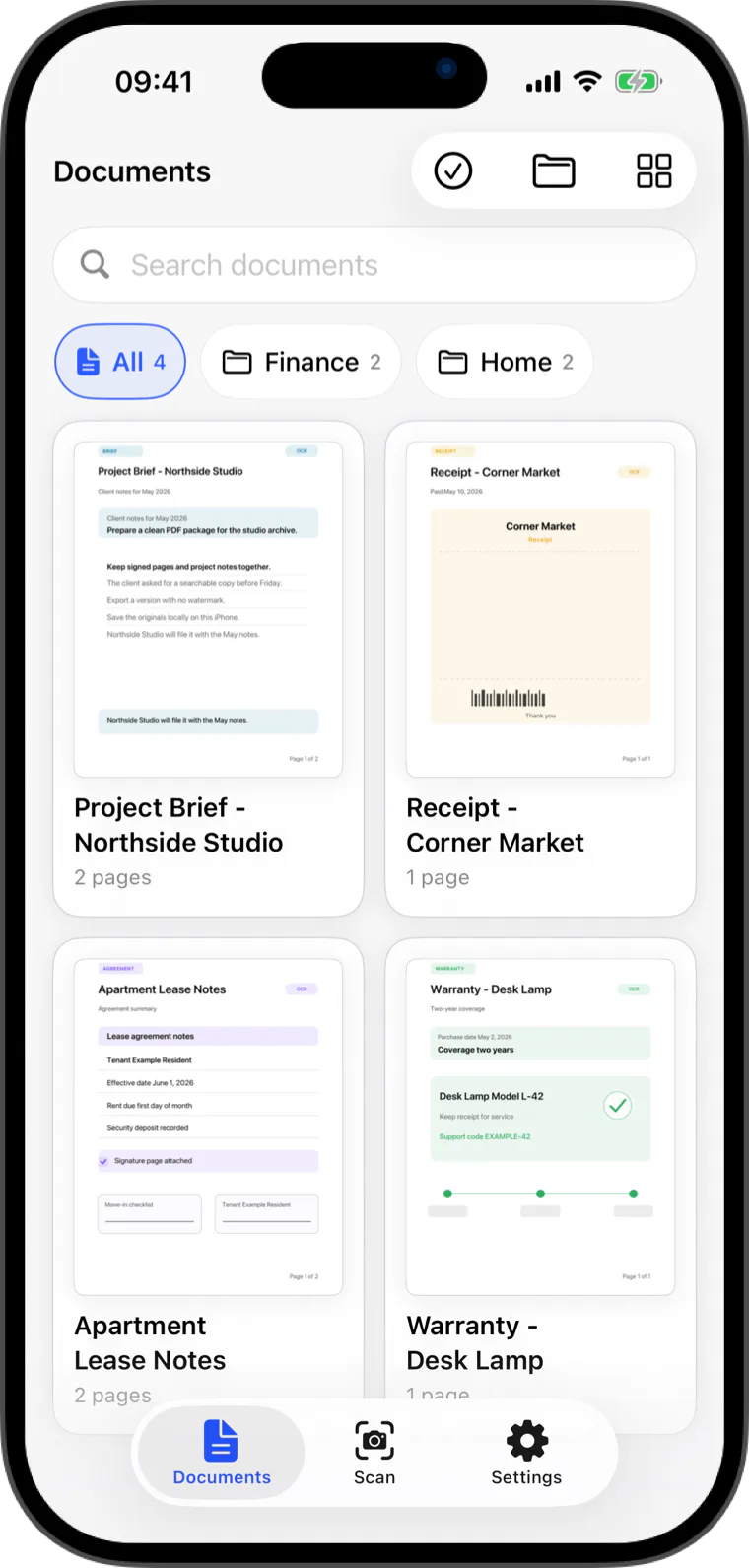
Keep receipts, invoices, contracts, forms, notes, and files in one local archive that is easy to browse later.
Use Flatscan as a receipt scanner, invoice scanner, contract scanner, PDF importer, and local OCR archive. The point is simple: turn paper and files into clean, searchable documents without sending them to a Flatscan cloud.
Documents & archive
Scans, imported pages, thumbnails, OCR text, folders, and search data live in the app container on your device.
Organize documents, restore accidental deletes, and work with several PDFs when the archive grows.
Built for everyday paper
Scan receipts, bills, and tax paperwork, then search merchant names, totals, or notes later.
Keep invoices, agreements, IDs, and forms in one local archive with clear document names.
Import existing pages from Photos, Files, or PDFs into the same local workflow as camera scans.
Quick answers
Yes. Flatscan can scan with the camera or import pages from Photos, Files, and PDFs into the same local archive.
Yes. Flatscan uses Apple's on-device Vision OCR to recognize text in saved documents and make it searchable inside the app.
Flatscan