
1. Scan or import pages
Use the camera, Photos, Files, or an existing PDF to add one or more pages.
 Flatscan
PDF export
Scan or import pages, review and reorder them, then export a clean PDF from iPhone or iPad without a Flatscan watermark.
Your iPhone can make a basic scan. Flatscan adds a local archive, page review before saving, and clean PDF export when you are ready to share.
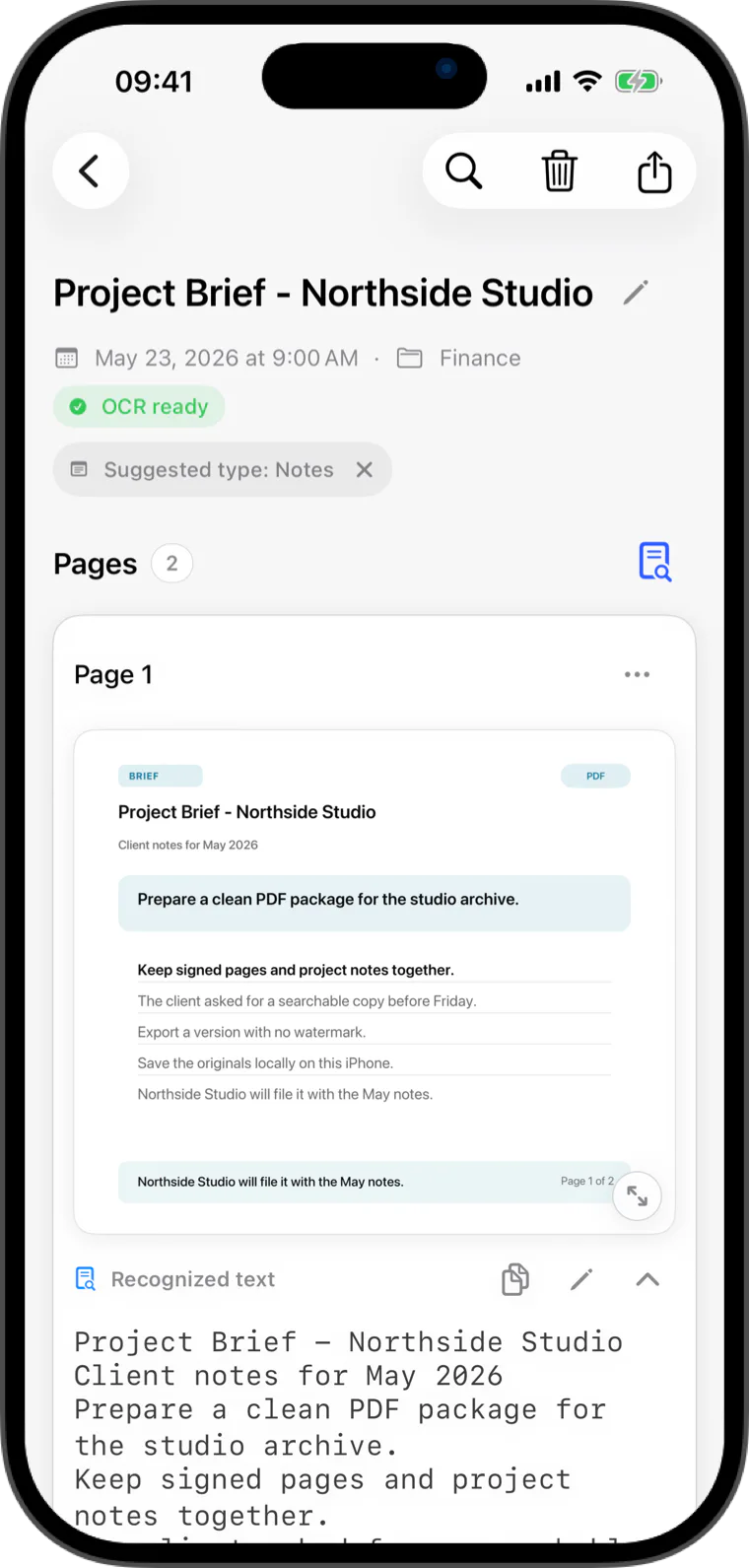
PDF export
Add pages, review their order and orientation, then export a normal PDF without a Flatscan watermark.
A normal clean PDF is available without a watermark. During the Pro trial or with Flatscan Pro, recognized text can also be included as selectable text in a searchable PDF.
Built for everyday paper
Use the camera, Photos, Files, or an existing PDF to add one or more pages.
Reorder, remove, add, or rotate pages before saving the document to a local folder.
Share a normal PDF without a Flatscan watermark and choose the destination in Apple's share sheet.
Quick answers
Add pages with the camera or import them, review the page order and orientation, save the document, then choose PDF export and a destination in Apple's share sheet.
Yes. Clean PDF export is available without a Flatscan watermark. Pro is for unlimited OCR and search plus searchable PDF export.
A normal PDF contains the document pages. A searchable PDF also includes selectable recognized text and is available during the 14-day Pro trial or with Flatscan Pro.
Flatscan